WhatsApp Newsletter: How to Create, Send & Scale for E-commerce

Learn how to create WhatsApp newsletters that drive sales. Setup guide, templates, best practices, and how to build a subscriber list for your Shopify store.
Email newsletters average 20-25% open rates. WhatsApp newsletters hit 96%. For e-commerce brands, that difference translates directly to more clicks, more conversions, and more revenue.
This guide shows you how to build a WhatsApp newsletter from scratch: growing your subscriber list, crafting messages that convert, and scaling with automation.
What Is a WhatsApp Newsletter?
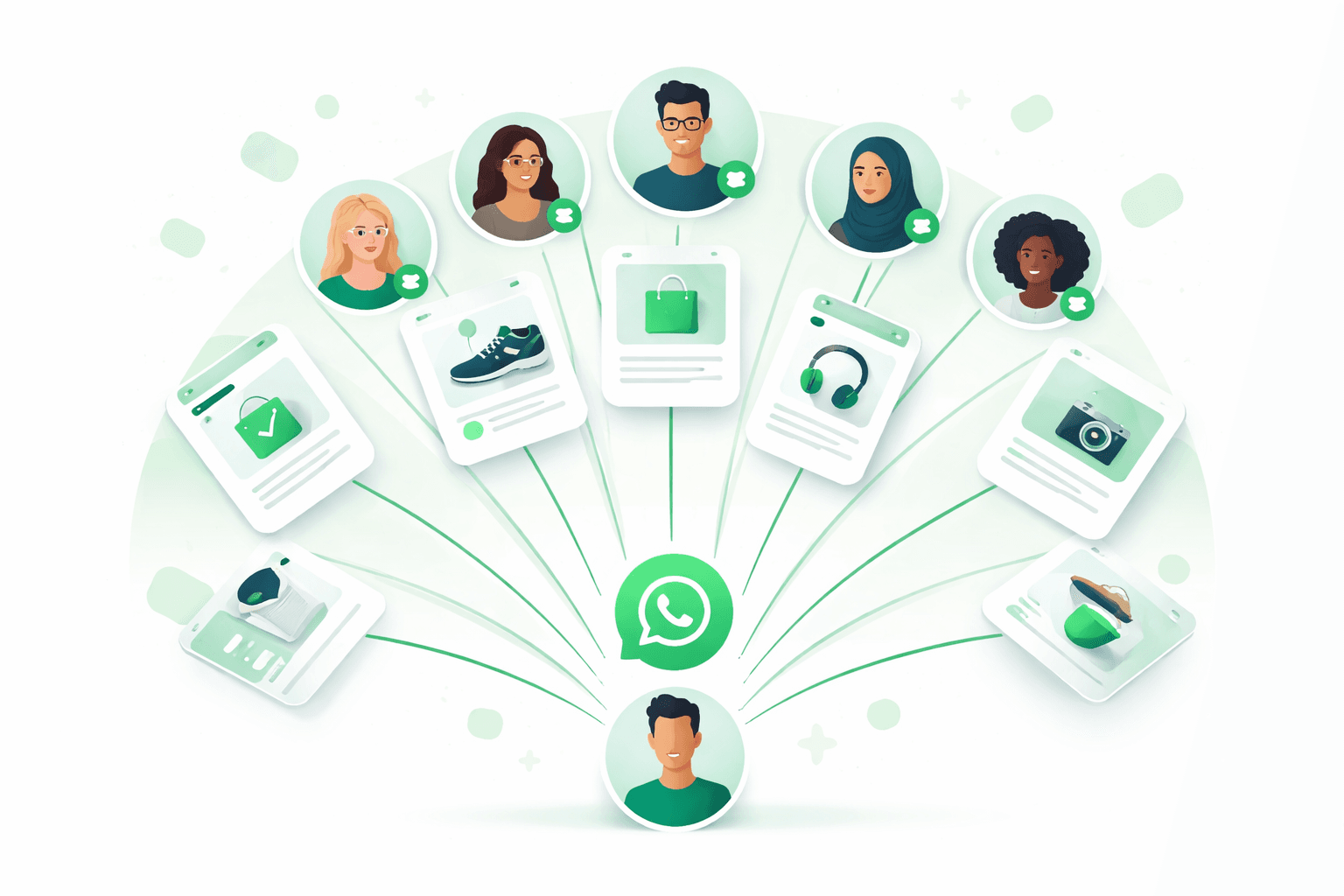
A WhatsApp newsletter is a regular series of messages sent to opted-in subscribers via WhatsApp broadcast. Unlike email newsletters, WhatsApp messages appear in the customer's most-used messaging app — guaranteeing visibility.
WhatsApp Newsletter vs Email Newsletter
| Metric | WhatsApp Newsletter | Email Newsletter |
|---|---|---|
| Open Rate | 90-96% | 20-25% |
| Click-Through Rate | 15-25% | 2-5% |
| Avg. Time to Open | 3 minutes | 6+ hours |
| Rich Media | Images, video, buttons, catalogs | Full HTML design |
| Unsubscribe Rate | 1-3% | 0.2-0.5% |
| Delivery | Instant, no spam folder | Can land in spam/promotions |
| Cost per Send | ~$0.025/conversation | ~$0.01-0.05/contact/month |
| Best For | Urgency, promotions, updates | Long-form content, digests |
Source: Data from Meta Business and Mailchimp benchmarks.
How to Start a WhatsApp Newsletter
Step 1: Get a WhatsApp Business API Account
The free WhatsApp Business app limits broadcasts to 256 contacts — not enough for a real newsletter. You need the WhatsApp Business API.
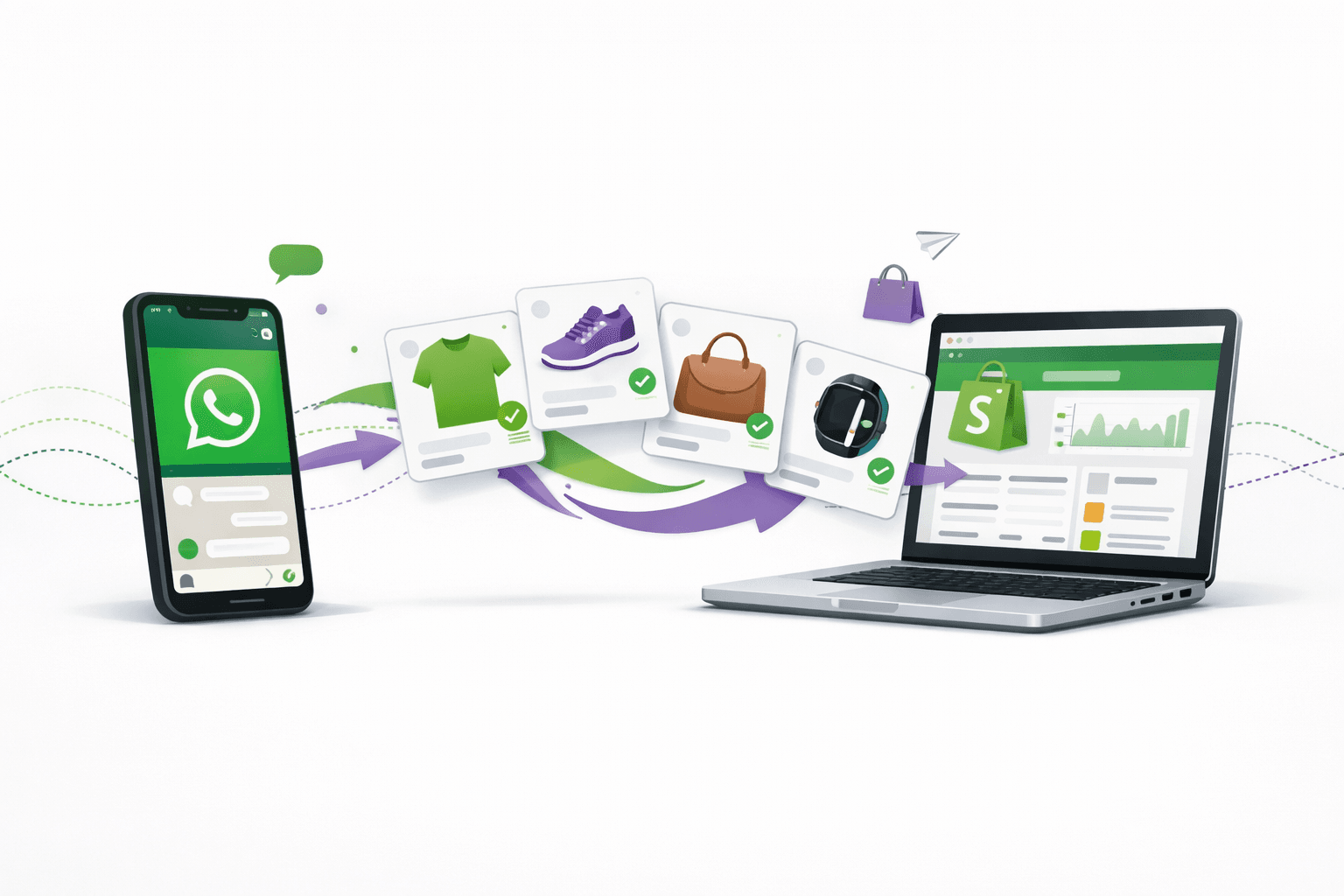
The easiest way: Install Kanal on Shopify. API setup is handled automatically.
Step 2: Build Your Subscriber List
You need explicit opt-in from subscribers. Here's how the best e-commerce brands grow their WhatsApp lists:
On your website:
- Popup opt-in: "Get 10% off — subscribe on WhatsApp" (use our WhatsApp link generator)
- Footer widget: Click-to-chat button with opt-in flow
- QR code on packaging, receipts, and in-store displays
On checkout:
- Add WhatsApp opt-in checkbox on your Shopify checkout
- Offer incentive: "Get order updates + exclusive offers on WhatsApp"
From existing channels:
- Promote in email newsletters: "Switch to WhatsApp for instant updates"
- Social media: Share your WhatsApp link on Instagram, TikTok, Facebook
- Existing SMS subscribers: Invite them to opt-in on WhatsApp for richer content
According to Shopify's research, brands that add WhatsApp opt-in at checkout see 15-25% opt-in rates.
Step 3: Create Your First Newsletter
With the WhatsApp Business API through Kanal:
- Choose your template type: Text, image, video, or carousel
- Write your copy: Keep it concise — WhatsApp is conversational, not editorial
- Add rich media: Product image, GIF, or short video
- Include a CTA button: "Shop Now", "See Collection", "Get Offer"
- Submit for Meta approval: Templates are reviewed within 1-24 hours
- Segment your audience: Use Klaviyo integration for advanced segments
- Schedule and send: Pick optimal timing based on your audience
Step 4: Optimize Based on Analytics
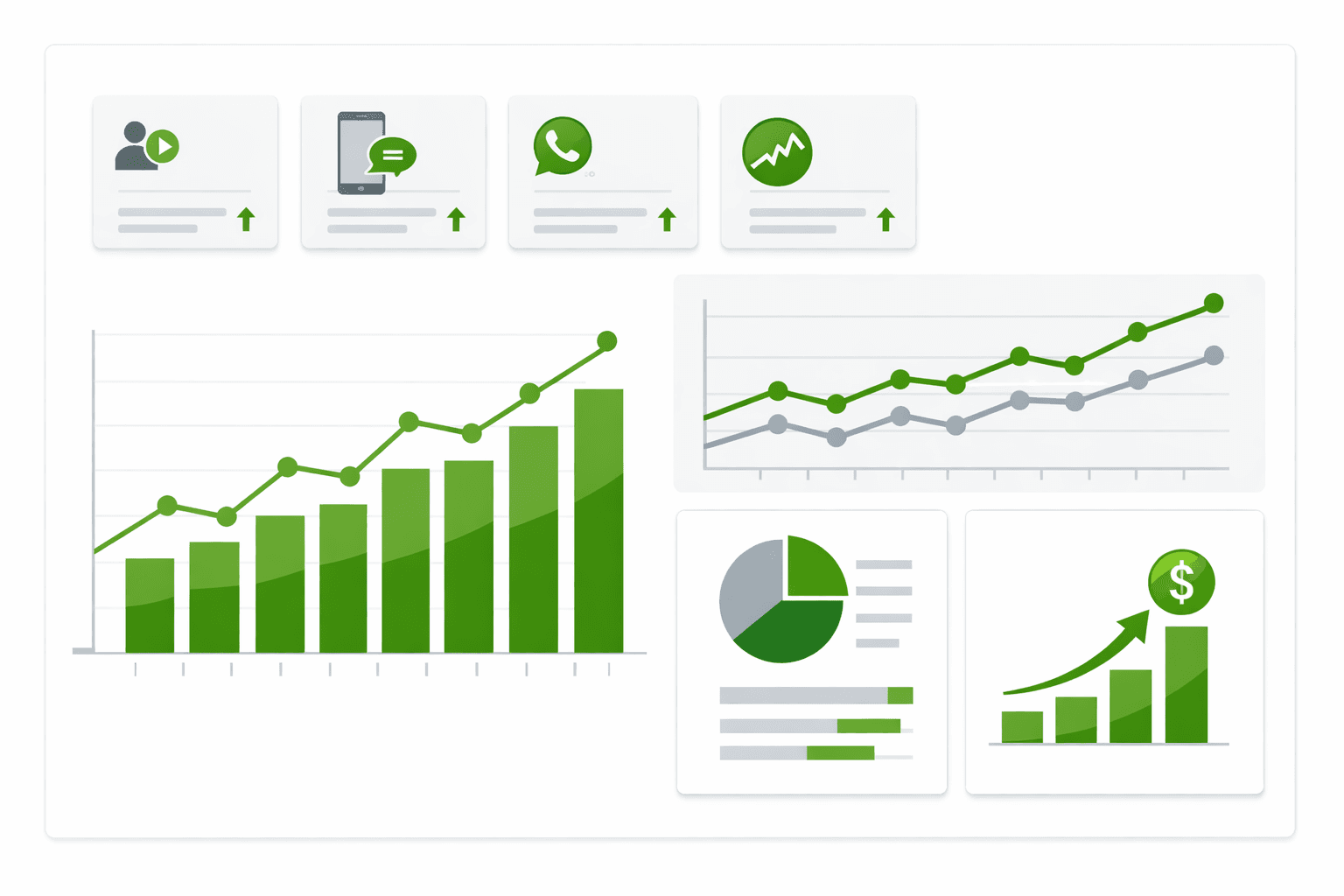
Track these metrics in your Kanal dashboard:
- Delivery rate: Should be >95%
- Open rate: Should be >90%
- Click-through rate: Target >15%
- Conversion rate: Track revenue attributed to each newsletter
- Opt-out rate: Keep below 2% per send
WhatsApp Newsletter Templates That Convert
Weekly Product Drop
Hey {name}! 🔥 New this week:

{product_image}

{product_name} just dropped — and it's selling fast.

Early access for our WhatsApp VIPs. Ships free today.

[Shop Now] [Save for Later]
Flash Sale Alert
{name}, this is your 4-hour warning ⏰

Our Spring Sale starts at 6PM:
• Up to 50% off bestsellers
• Free shipping on everything
• Extra 10% for WhatsApp subscribers: WANEWS10

[Set a Reminder] [Shop Early Access]
Behind-the-Scenes / Story
{name}, want to see how {product} is made? 👀

{video_preview}

Our founder shot this at the workshop last week. 90 seconds of pure craftsmanship.

[Watch Now]

P.S. We only made 200 units. First come, first served.
Customer Spotlight
Meet {customer_name} from {city} 💚

"{testimonial_quote}"

They've been using {product} for 3 months. Here's what changed...

[Read Their Story] [Shop {product}]
WhatsApp Newsletter Frequency: How Often to Send
Based on data from Meta's Business messaging guidelines:
| Frequency | Best For | Opt-out Risk |
|---|---|---|
| Daily | Flash sales, time-sensitive offers | High (>5% opt-out) |
| 2-3x/week | Active e-commerce with frequent drops | Medium |
| Weekly | Most e-commerce brands (recommended) | Low (<1%) |
| Bi-weekly | Low-frequency purchase categories | Very low |
| Monthly | Luxury, high-consideration products | Very low |
Our recommendation: Start weekly, then adjust based on engagement. If open rates drop below 80% or opt-outs exceed 2%, reduce frequency.
Growing Beyond the Newsletter
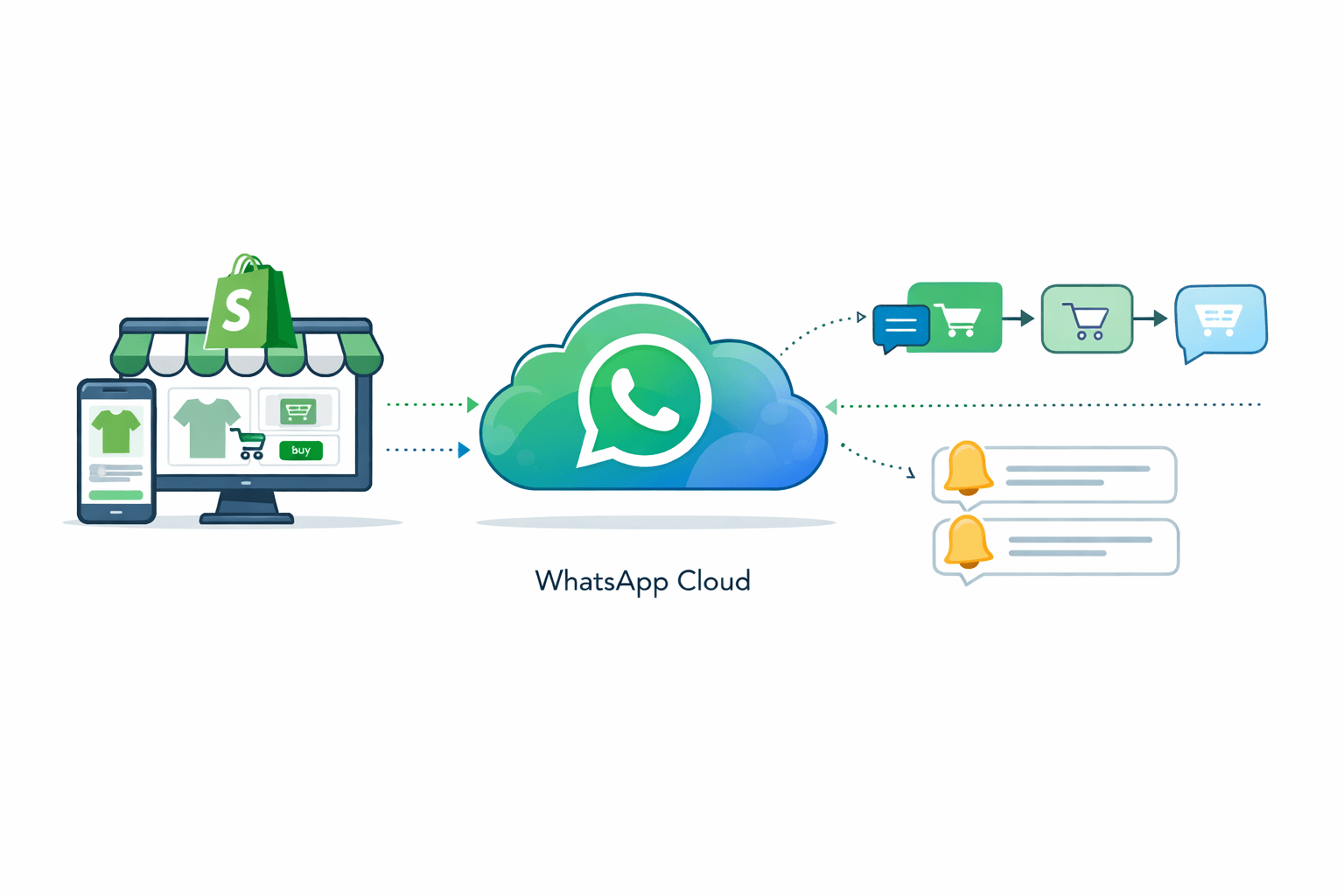
A WhatsApp newsletter is your top-of-funnel. Combine it with automated flows for maximum revenue:
- Newsletter → drives traffic and awareness (WhatsApp campaigns)
- Abandoned cart → recovers lost sales (cart recovery)
- Post-purchase → increases LTV (upsells)
- Support → builds loyalty (AI chatbot)
- Reviews → builds social proof (review collection)
- Back-in-stock → captures demand (alerts)
Sync everything with Klaviyo for a unified view of your customer journey across email, SMS, and WhatsApp.
Legal Compliance
WhatsApp newsletters must comply with:
- GDPR (EU): Explicit opt-in, easy opt-out, data processing transparency
- TCPA (US): Prior express written consent for marketing
- Meta's Business Policy: Template approval, quality rating, opt-out honoring
With Kanal, compliance is built-in: opt-in tracking, automatic opt-out handling, and template pre-approval.
Conclusion
WhatsApp newsletters deliver 4-5x the engagement of email newsletters. For e-commerce brands on Shopify, it's the highest-ROI channel for driving repeat purchases and building customer loyalty.
Start your WhatsApp newsletter today. Install Kanal on Shopify to send your first newsletter in minutes, or book a demo to see how leading brands use WhatsApp newsletters to drive revenue.
Build your subscriber list with our free WhatsApp Link Generator and QR Code Generator.
Ready to boost your WhatsApp sales?
 Install with Shopify