WhatsApp Business API: Complete Guide to Setup, Pricing & Integration in 2026

Everything you need to know about the WhatsApp Business API. Setup guide, pricing breakdown, Shopify integration, and how to automate your e-commerce messaging.
The WhatsApp Business API transforms WhatsApp from a manual messaging tool into a fully automated e-commerce powerhouse. Unlike the free WhatsApp Business app, the API enables unlimited team access, AI chatbots, automated workflows, and deep integration with your Shopify store.
This guide covers everything: what the API is, how much it costs, how to set it up, and how to maximize ROI for your e-commerce brand.
What Is the WhatsApp Business API?
The WhatsApp Business API (now called WhatsApp Business Platform by Meta) is a programmatic interface that lets businesses send and receive WhatsApp messages at scale. It's designed for medium to large businesses that need automation, multiple agents, and CRM integration.
WhatsApp Business App vs API
| Feature | WhatsApp Business App | WhatsApp Business API |
|---|---|---|
| Price | Free | Per-conversation pricing |
| Devices | 1 phone + 4 linked | Unlimited |
| Contacts per broadcast | 256 max | Unlimited |
| Message templates | No | Yes (pre-approved) |
| Automation | Quick replies only | Full flows + AI chatbots |
| Shopify integration | Manual | Native (Kanal) |
| Analytics | Basic read receipts | Opens, clicks, conversions, ROAS |
| Team inbox | No | Multi-agent with routing |
| CRM integration | No | Klaviyo, Gorgias, Zendesk, etc. |
If you're doing more than 50 customer conversations per day or want to automate cart recovery and campaigns, you need the API.
WhatsApp Business API Pricing
Meta charges per conversation, not per message. Once a conversation opens, you can exchange unlimited messages within a 24-hour window.
Conversation Categories & Costs (2026)
| Category | Description | Cost (US) | Cost (EU) |
|---|---|---|---|
| Marketing | Promotions, offers, campaigns | $0.025 | €0.045 |
| Utility | Order updates, shipping, receipts | $0.015 | €0.025 |
| Authentication | OTP codes, login verification | $0.010 | €0.018 |
| Service | Customer-initiated support chats | Free (first 1,000/month) | Free (first 1,000/month) |
Cost Example: Shopify Store with 10,000 Customers
| Use Case | Monthly Conversations | Cost |
|---|---|---|
| Cart recovery (15% of carts) | 1,500 marketing | $37.50 |
| Order notifications | 3,000 utility | $45.00 |
| Customer support | 500 service | Free |
| Monthly campaign | 5,000 marketing | $125.00 |
| Total | 10,000 | $207.50 |
With a typical 12x ROAS, that $207.50 in messaging costs generates $2,490+ in recovered revenue from cart recovery alone.
Check Kanal's transparent pricing — we pass through Meta's conversation costs with no markup, plus a flat monthly platform fee.
How to Set Up the WhatsApp Business API
Option 1: Direct Setup (Complex)
- Create a Meta Business Account
- Verify your business (takes 2-14 days)
- Apply for WhatsApp Business API access
- Set up a cloud hosting environment
- Configure webhooks for incoming messages
- Build message templates and submit for approval
- Integrate with your tech stack
This requires significant developer resources and ongoing maintenance.
Option 2: Via a Platform Like Kanal (Recommended)
- Install Kanal from the Shopify App Store
- Connect your WhatsApp number (guided setup, takes 10 minutes)
- Kanal handles the Meta verification and API setup
- Start sending automated messages immediately
With Kanal, you skip the complex technical setup and get a visual dashboard for managing everything: campaigns, cart recovery, AI chatbot, and order notifications.
Key WhatsApp Business API Features
Message Templates
Template messages are pre-approved message formats that let you initiate conversations with customers. They can include:
- Text with dynamic variables ({customer_name}, {order_number})
- Media headers (image, video, or document)
- Interactive buttons (quick replies or URL buttons)
- Call-to-action buttons (call phone number, visit website)
Templates must be submitted to Meta for approval before use. Most templates are approved within 1-24 hours.
Automated Flows
Build visual message flows triggered by customer actions:
- Abandoned cart: Auto-send reminder 1h, 24h, 72h after cart abandonment
- Post-purchase: Send product recommendations after purchase
- Back-in-stock: Notify customers when wishlist items are available
- Welcome series: Onboard new subscribers with multiple touchpoints
- Review collection: Request reviews after delivery confirmation
AI Chatbot
The AI chatbot powered by the WhatsApp Business API can:
- Answer product questions from your catalog
- Track orders in real-time (synced with Shopify)
- Handle returns and refund requests
- Recommend products based on browsing history
- Escalate to human agents when needed
Multi-Agent Inbox
Multiple team members can manage conversations simultaneously:
- Conversation routing based on topic or language
- Internal notes for team collaboration
- Assignment rules for load balancing
- SLA tracking to maintain response times
Integrate with Gorgias or Zendesk for enterprise-grade support workflows.
WhatsApp Business API + Shopify Integration
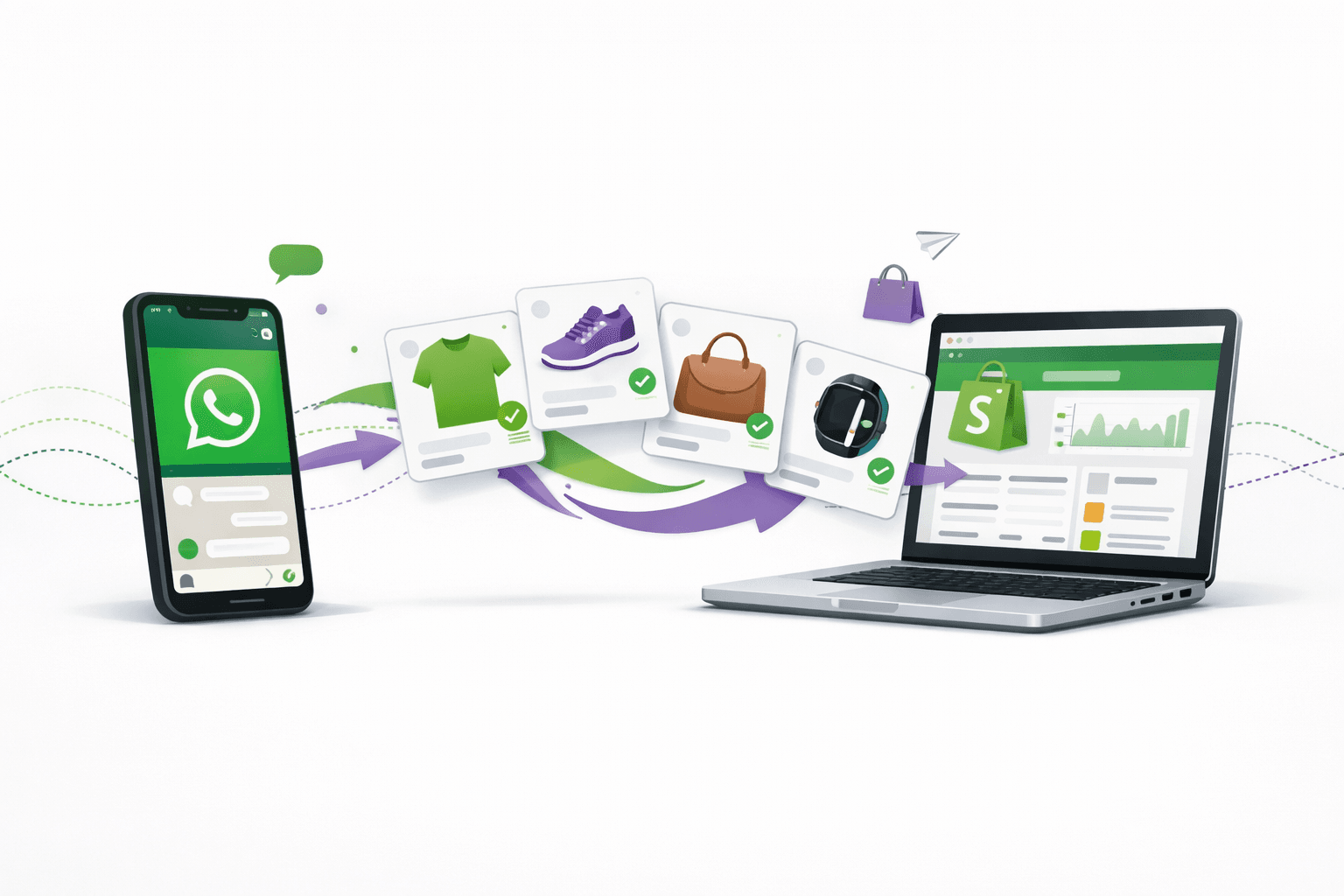
Kanal's Shopify integration syncs your store data with WhatsApp for automated, personalized messaging:
What Gets Synced
- Customer data: Name, email, phone, purchase history
- Order events: New order, fulfilled, delivered, cancelled
- Cart data: Items, quantities, prices, discount codes
- Product catalog: Inventory, prices, images
- Customer segments: VIP, repeat, one-time, at-risk
Automated Workflows
Once connected, these workflows run automatically:
- Cart recovery: Customer abandons cart → WhatsApp reminder with product image + discount code → 15-30% recovery rate
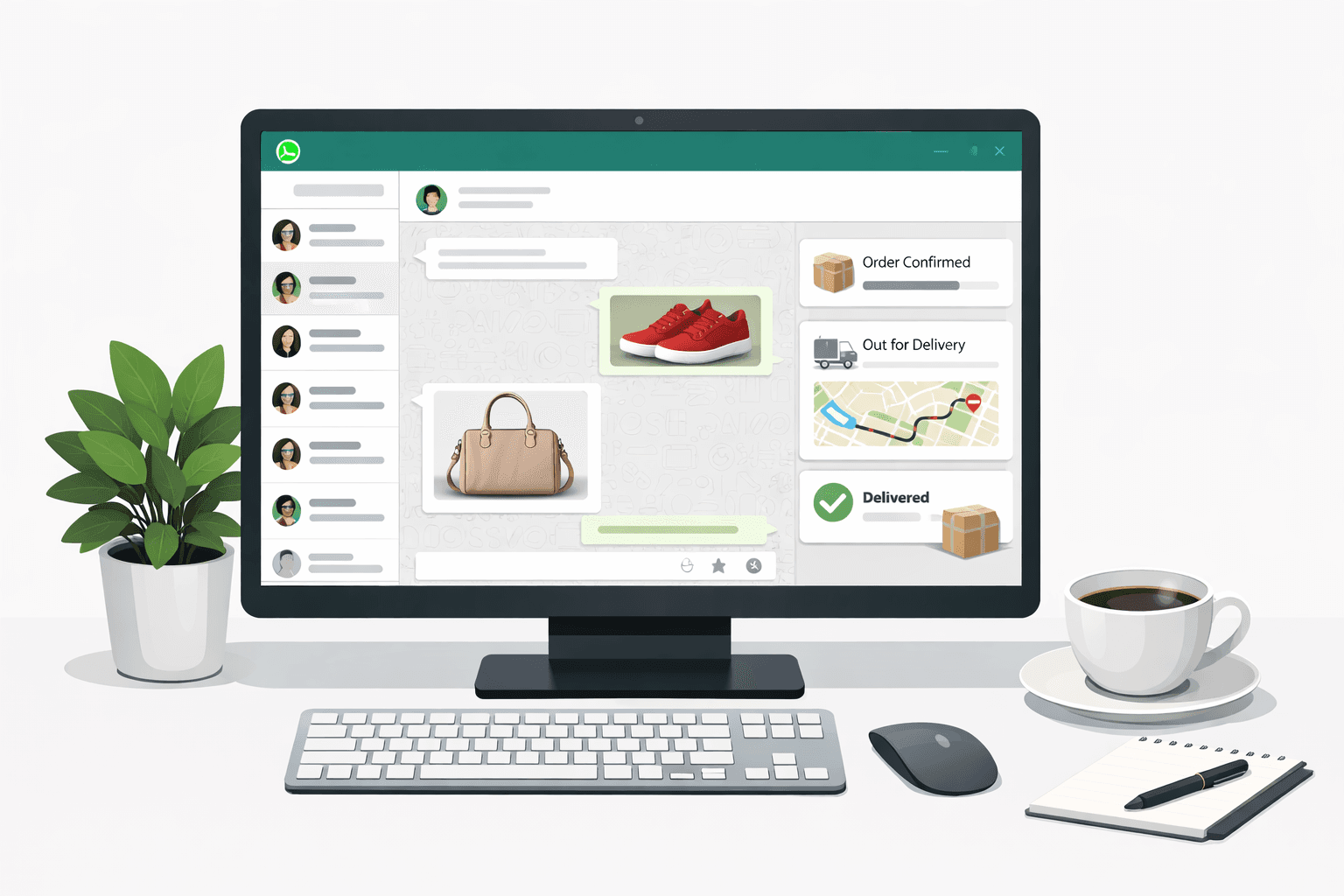
- Order confirmation: Order placed → WhatsApp confirmation with order details
- Shipping update: Order shipped → WhatsApp notification with tracking link
- Review request: Order delivered → WhatsApp request for product review
- Win-back: No purchase in 30+ days → WhatsApp offer to re-engage
CRM Integrations
- Klaviyo: Sync WhatsApp with your email/SMS flows, use Klaviyo segments for WhatsApp targeting
- Gorgias: Manage WhatsApp conversations alongside email/chat/social support
- Loyoly: Reward loyalty points for WhatsApp engagement
- Splio: Enterprise marketing automation with WhatsApp channel
- Zendesk: Enterprise support ticketing with WhatsApp
WhatsApp Business API vs Competitors
| Platform | WhatsApp API | SMS (Postscript) | Email (Klaviyo) | Push Notifications |
|---|---|---|---|---|
| Open Rate | 96% | 98% | 20-25% | 5-15% |
| CTR | 15-25% | 6-8% | 2-5% | 3-8% |
| Rich Media | Yes | No (SMS) / Yes (MMS) | Yes | Limited |
| Automation | Advanced | Advanced | Advanced | Basic |
| AI Chatbot | Yes | No | No | No |
| Two-way Chat | Yes | Limited | No | No |
| Cost per Contact | $0.025/convo | $0.01-0.05/msg | $0.01-0.05/contact/mo | Free |
The highest-performing brands use WhatsApp alongside email and SMS. With Klaviyo integration, you can orchestrate all channels from a single platform.
Compare the best Shopify marketing apps to build your optimal stack.
FAQ
Is the WhatsApp Business API free?
The API itself is free to access. You pay per-conversation when messages are sent. Service conversations (customer-initiated) include 1,000 free per month. Marketing and utility conversations are charged at Meta's published rates.
How long does WhatsApp Business API setup take?
With a platform like Kanal, setup takes about 10 minutes. Direct setup through Meta can take 2-4 weeks including business verification.
Can I keep my existing WhatsApp number?
Yes. You can port your existing WhatsApp Business number to the API. Note that this will disconnect it from the WhatsApp Business app — you'll manage everything through the API platform.
What's the difference between WhatsApp Cloud API and On-Premise API?
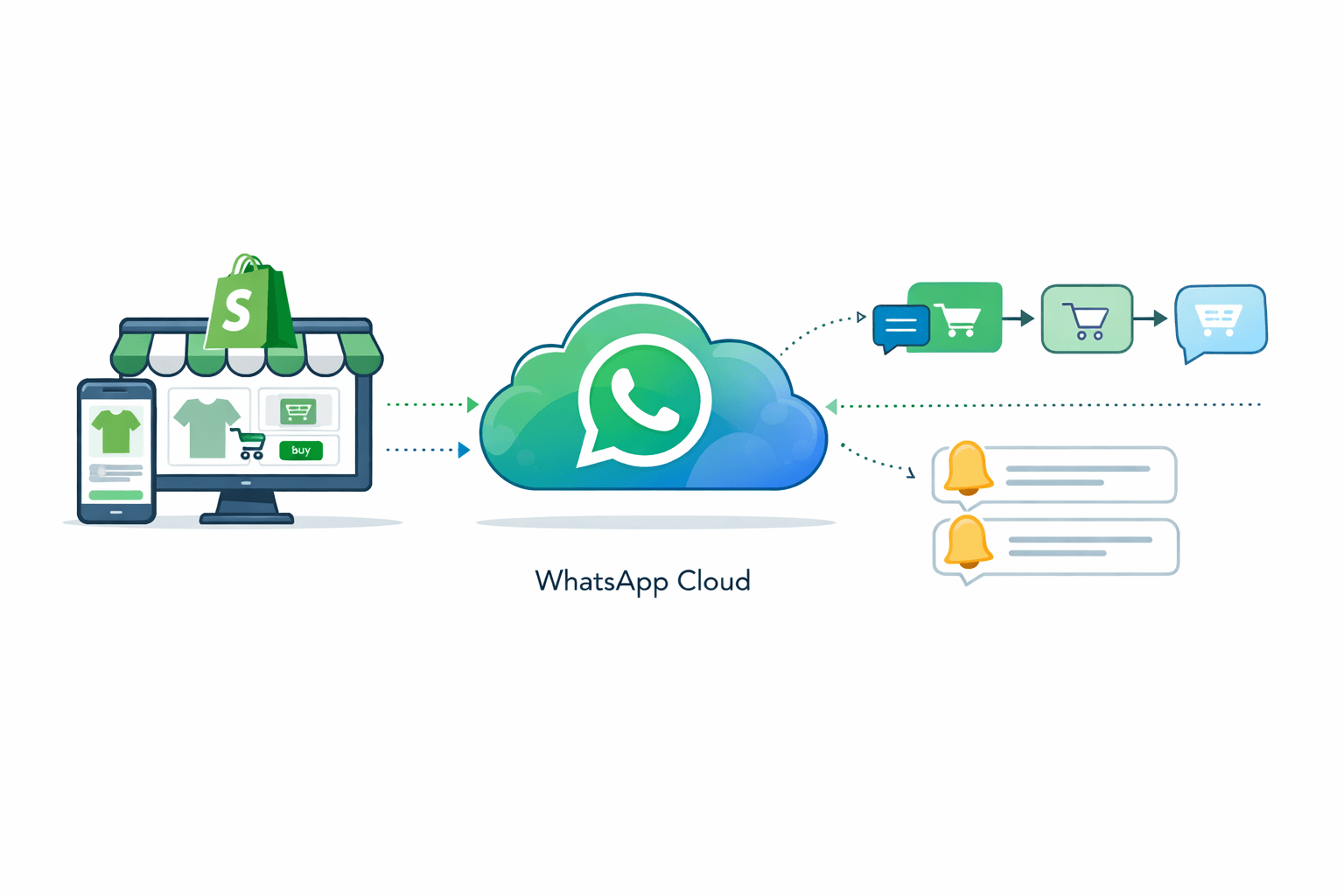
Meta now recommends the Cloud API for all new implementations. It's hosted by Meta, requires no server infrastructure, and receives updates automatically. The On-Premise API is deprecated.
How many messages can I send per day?
New API accounts start with a messaging limit of 250 unique contacts per 24 hours. This scales to 1,000, then 10,000, then 100,000 as your quality rating improves. With a good quality rating, you can reach unlimited contacts.
Conclusion
The WhatsApp Business API is the infrastructure that powers scalable e-commerce messaging. Whether you need automated cart recovery, AI customer support, or mass marketing campaigns, the API provides the tools to do it at scale.
The easiest way to get started: Install Kanal on your Shopify store. We handle the API setup, Meta verification, and provide a visual dashboard for all your WhatsApp commerce needs.
Book a free demo to see how brands achieve up to 12x ROAS, or start with our free WhatsApp tools: Link Generator | Number Checker | QR Code Generator
Ready to boost your WhatsApp sales?
 Install with Shopify