WhatsApp Broadcast: The Ultimate Guide to Bulk Messaging in 2026

Learn how to create and send WhatsApp broadcast messages to thousands of customers. Setup guide, best practices, templates, and how to scale beyond the 256-contact limit.
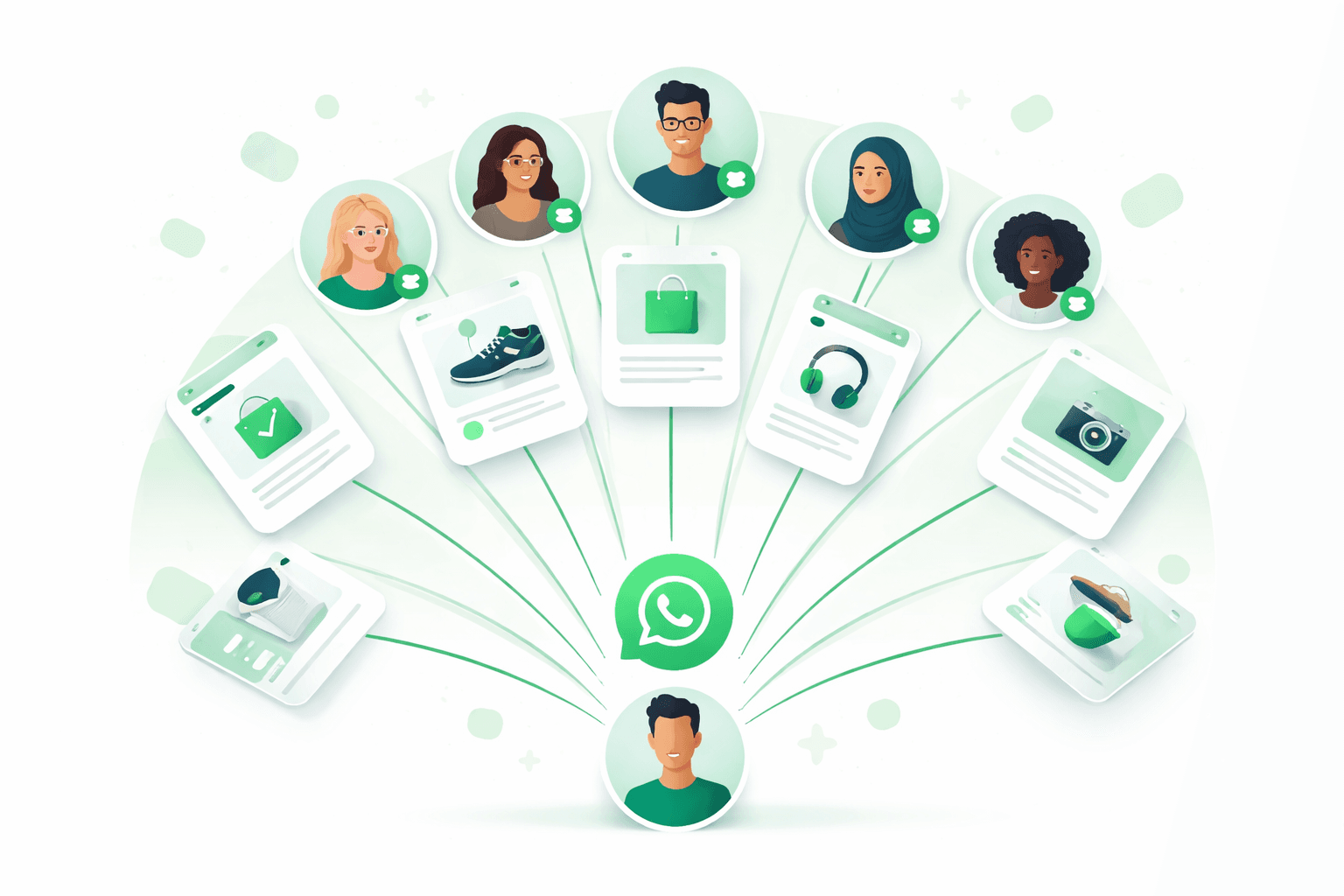
WhatsApp broadcast lets you send one message to multiple contacts at once — without creating a group. For e-commerce brands, it's the most powerful way to reach customers with promotions, product launches, and personalized offers.
This guide covers everything: how to create broadcasts, the 256-contact limit and how to bypass it, templates that convert, and scaling strategies with the WhatsApp Business API.
What Is a WhatsApp Broadcast?
A WhatsApp broadcast is a one-to-many messaging feature that sends your message individually to each recipient. Unlike groups, recipients don't see each other and can reply privately.
Key characteristics:
- Messages appear as individual chats — not a group conversation
- Recipients must have your number saved in their contacts (on the free app)
- Replies are private — only you see them
- Maximum 256 contacts per broadcast list on WhatsApp Business app
- Unlimited contacts via the WhatsApp Business API
How to Create a WhatsApp Broadcast List
On WhatsApp Business App (Free)
- Open WhatsApp Business
- Tap the three-dot menu (Android) or Broadcasts (iPhone)
- Select New broadcast or New list
- Select the contacts you want to add (up to 256)
- Tap the green checkmark to create the list
- Type your message and hit Send
Important limitation: Recipients must have your number saved in their contacts. Otherwise, they won't receive the broadcast message.
On WhatsApp Business API (via Kanal)
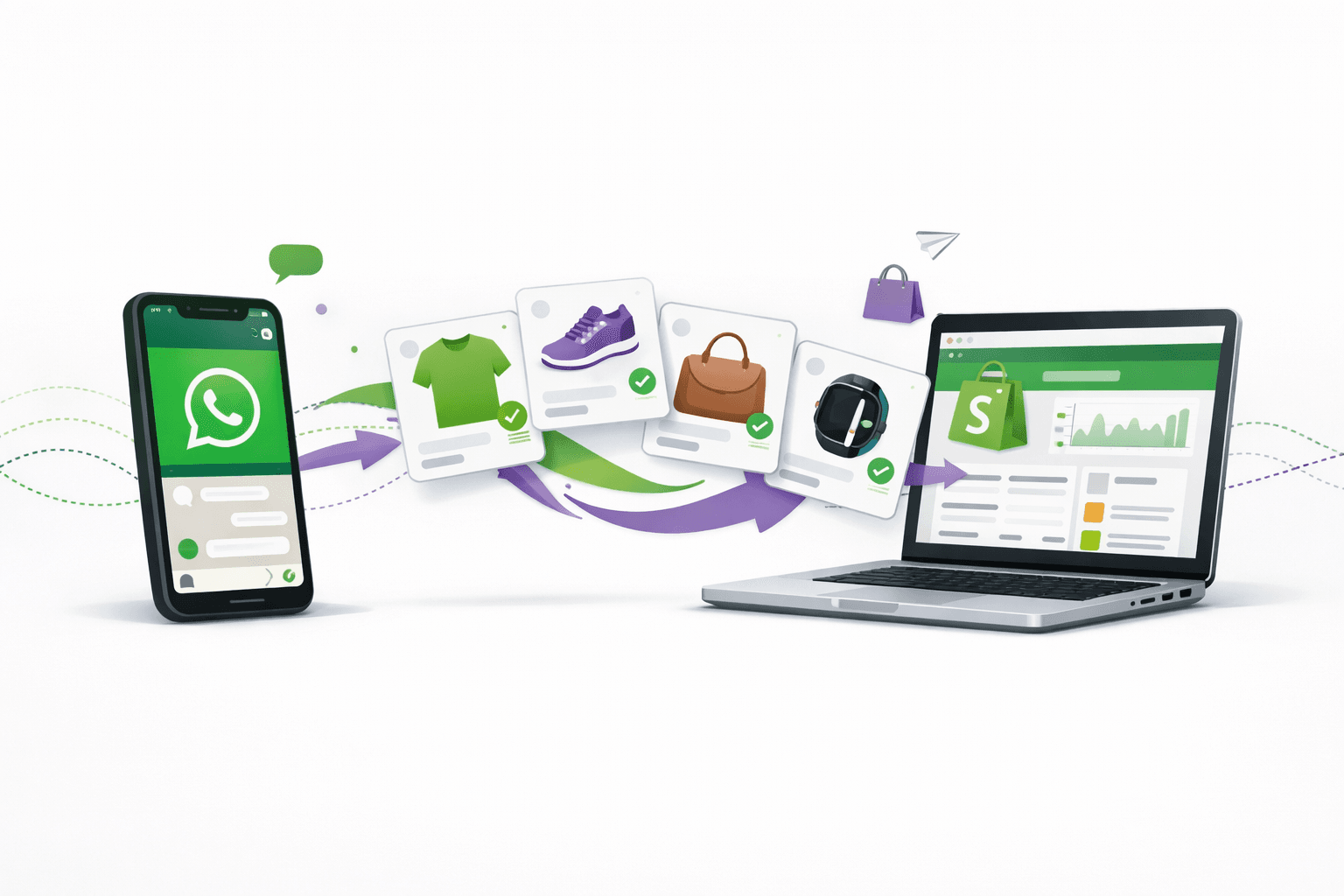
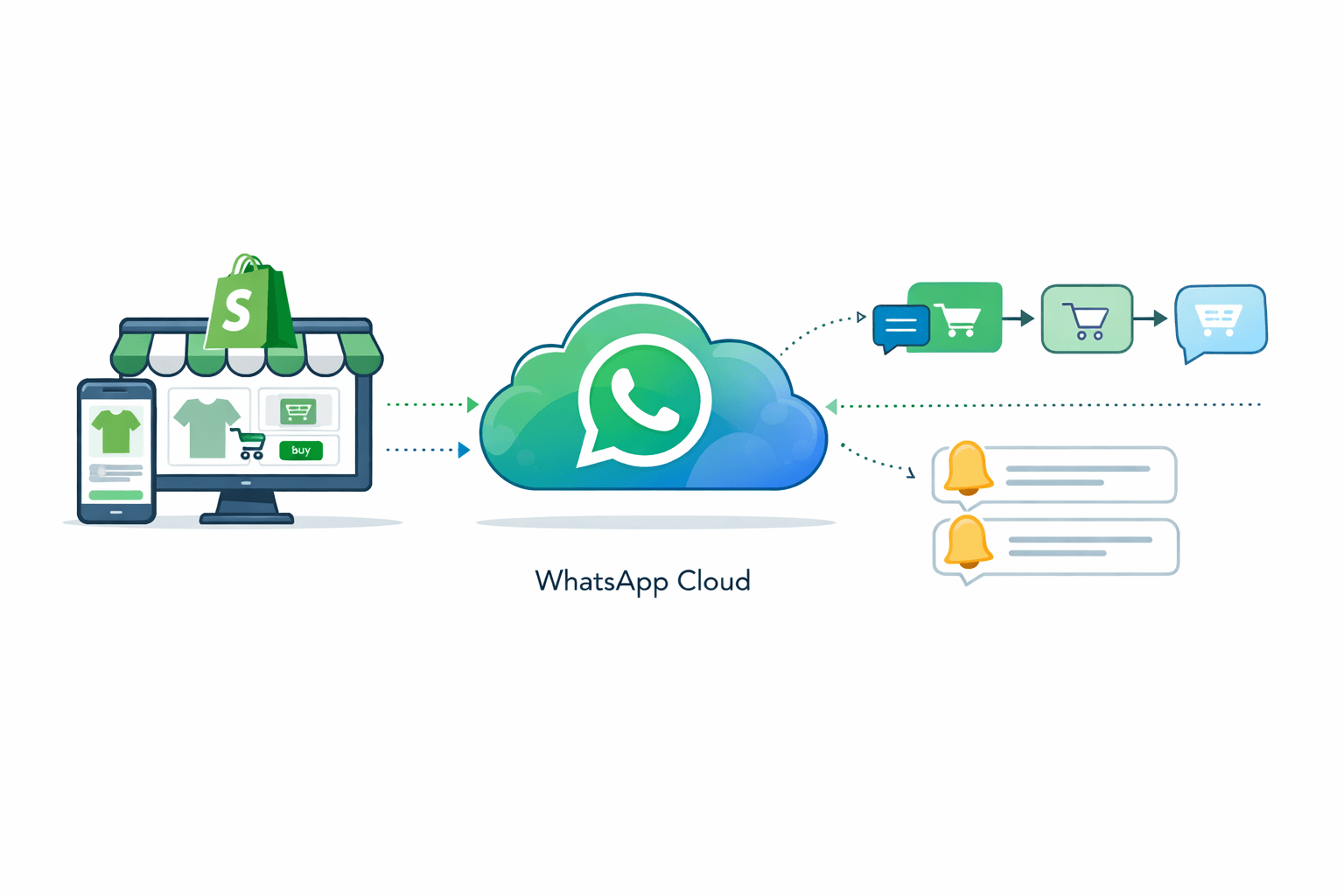
With the WhatsApp Business API through Kanal, you can send broadcasts to unlimited contacts without requiring them to save your number:
- Create a message template in your Kanal dashboard
- Submit it for Meta approval (usually takes 1-24 hours)
- Segment your audience based on Shopify data (purchase history, cart value, location)
- Schedule or send the campaign
- Track open rates, clicks, and conversions in real-time
WhatsApp Broadcast vs Group: Key Differences
| Feature | Broadcast | Group |
|---|---|---|
| Privacy | Recipients don't see each other | All members see each other |
| Replies | Private to sender | Visible to all members |
| Contact limit (app) | 256 | 1,024 |
| Contact limit (API) | Unlimited | N/A |
| Must save number | Yes (app) / No (API) | No |
| Admin control | Full | Shared |
| Best for | Marketing campaigns | Community building |
For marketing purposes, always use broadcasts over groups. Groups can feel spammy and violate privacy expectations. Broadcasts maintain the personal 1-to-1 feeling that drives engagement.
How to Get Past the 256-Contact Limit
The WhatsApp Business app limits broadcast lists to 256 contacts. Here's how to scale:
Option 1: Multiple Broadcast Lists (Free, Manual)
Create multiple broadcast lists of 256 contacts each. Tedious but works for small businesses with <1,000 contacts.
Option 2: WhatsApp Business API (Recommended)
The WhatsApp Business API removes the 256-contact limit entirely. With platforms like Kanal:
- Send to unlimited contacts at once
- No need for contacts to save your number
- Pre-approved templates ensure delivery
- Smart segmentation based on Shopify customer data
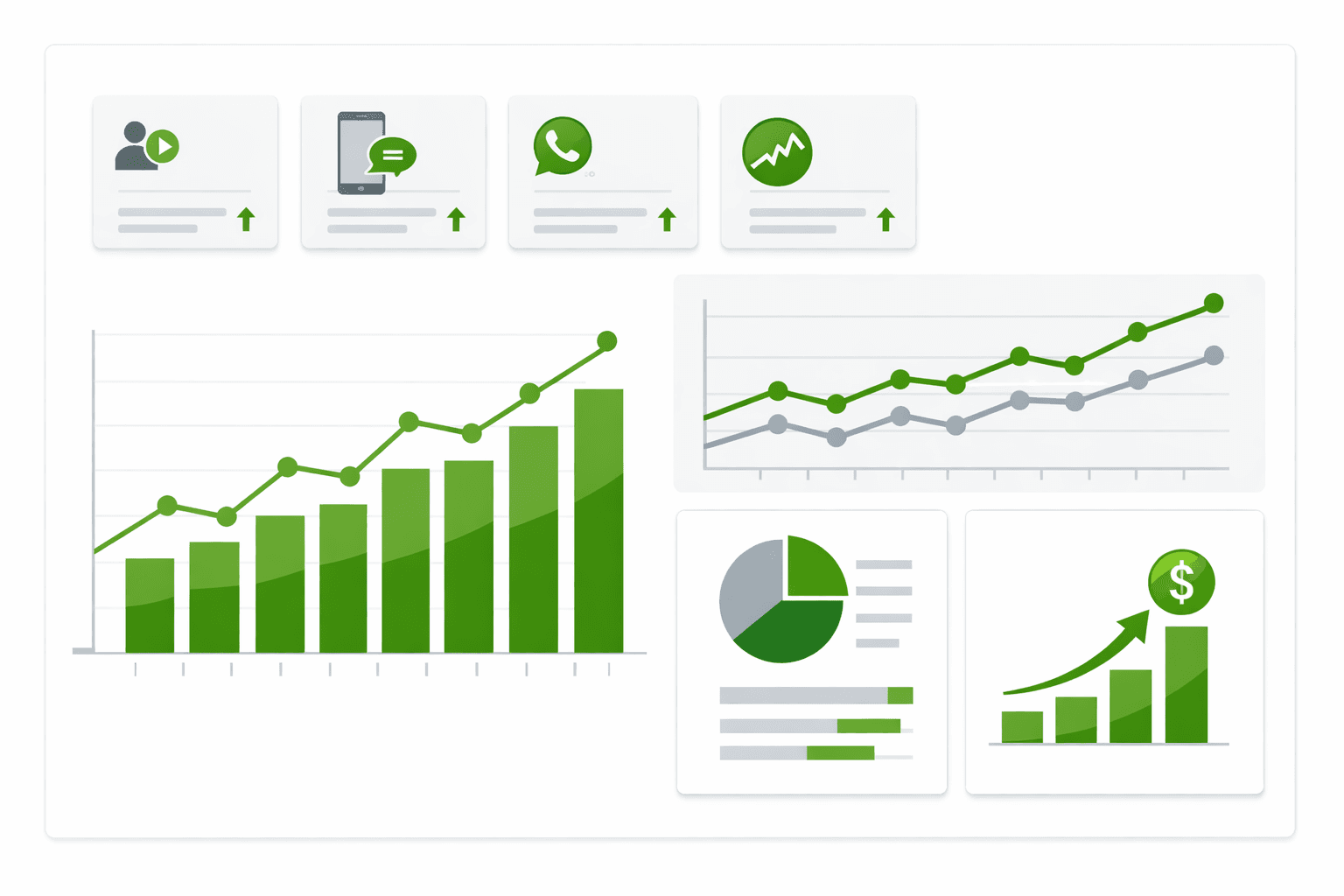
- Analytics to track opens, clicks, and revenue
This is how brands like those featured in our case studies achieve up to 12x ROAS with WhatsApp campaigns.
WhatsApp Broadcast Best Practices
1. Segment Your Audience
Don't send the same message to everyone. With Klaviyo integration, segment your WhatsApp lists by:
- Purchase history: VIP customers get exclusive offers
- Cart value: High-value cart abandoners get different messaging
- Location: Country-specific promotions and shipping info
- Engagement: Active openers vs dormant subscribers
2. Personalize Every Message
Use dynamic variables to personalize:
- Customer's first name
- Last purchased product
- Cart contents (for abandoned cart recovery)
- Recommended products based on browsing history
3. Time Your Sends Strategically
Best sending times for e-commerce WhatsApp broadcasts:
- Weekdays: 10am-12pm and 6pm-8pm (local time)
- Flash sales: Send 2-4 hours before the sale starts
- Cart reminders: 1 hour, 24 hours, and 72 hours after abandonment
- Back-in-stock alerts: Immediately when inventory is replenished
4. Include Clear CTAs
Every broadcast should have a single, clear call-to-action:
- "Shop Now" button linking to your product page
- "Complete Your Order" for cart recovery
- "Get 20% Off" for promotional campaigns
- "Track Your Order" for order notifications
5. Respect Opt-in/Opt-out
Always provide an easy way to unsubscribe. This isn't just good practice — it's required by Meta's WhatsApp Business Policy. Non-compliance can get your number banned.
WhatsApp Broadcast Templates That Convert
Flash Sale Template
Hi {customer_name}! 🔥

Our biggest sale of the year starts NOW.

Up to 50% off everything for the next 24 hours.

[Shop the Sale] [Browse New Arrivals]
Cart Recovery Template
Hey {customer_name},

You left something amazing in your cart:
{product_name} — {product_price}

Complete your order now and get free shipping!

[Complete My Order]
New Product Launch
{customer_name}, you're first to know 👀

We just launched {product_name} — and we think you'll love it based on your purchase of {last_product}.

Limited stock available.

[Discover Now] [Save for Later]
VIP Exclusive
{customer_name}, this is VIP-only 🖤

As one of our top customers, here's your exclusive early access + an extra 15% off with code VIP15.

Valid for 48 hours.

[Shop VIP Access]
For more templates and automated flows, check our WhatsApp campaign builder with drag-and-drop flow editor.
Broadcast Analytics: What to Track
With Kanal's analytics dashboard, monitor these KPIs:
| Metric | Good Benchmark | Action if Below |
|---|---|---|
| Delivery Rate | >95% | Check contact quality, verify numbers with our number checker |
| Open Rate | >90% | Improve first line (preview text) |
| Click-Through Rate | >15% | Better CTA, stronger offer |
| Conversion Rate | >5% | Landing page optimization |
| Opt-out Rate | <2% | Reduce frequency, improve relevance |
| ROAS | >5x | Better segmentation, higher-value offers |
Calculate your expected return with our free ROAS calculator.
How to Search and Manage Broadcast Lists
Finding a broadcast list
- Open WhatsApp Business
- Go to Chats tab
- Tap Broadcast Lists at the top (iOS) or the three-dot menu > New broadcast (Android)
- Your existing lists appear with member counts
Editing a broadcast list
- Add members: Open the list > tap the list name > Edit recipients
- Remove members: Same path, deselect contacts
- Delete list: Long-press the list > Delete
Broadcast list limitations
- You can create unlimited broadcast lists on the free app
- Each list maxes at 256 contacts
- No scheduling — messages send immediately
- No analytics — you can't track opens or clicks
For scheduling, segmentation, and analytics, upgrade to Kanal's WhatsApp Business API.
FAQ
How many contacts can I add to a WhatsApp broadcast?
On the WhatsApp Business app, maximum 256 contacts per broadcast list. Via the WhatsApp Business API (through platforms like Kanal), there's no limit.
Can I send a broadcast if the contact hasn't saved my number?
On the free WhatsApp Business app, no — the recipient must have your number saved. Via the WhatsApp Business API, yes — you can send template messages to any opted-in contact regardless.
How do I know if someone read my broadcast?
On the free app, you can see delivery and read receipts (blue ticks) for individual chats. With Kanal's analytics, you get aggregate open rates, click rates, and conversion tracking.
Is WhatsApp broadcast the same as WhatsApp newsletter?
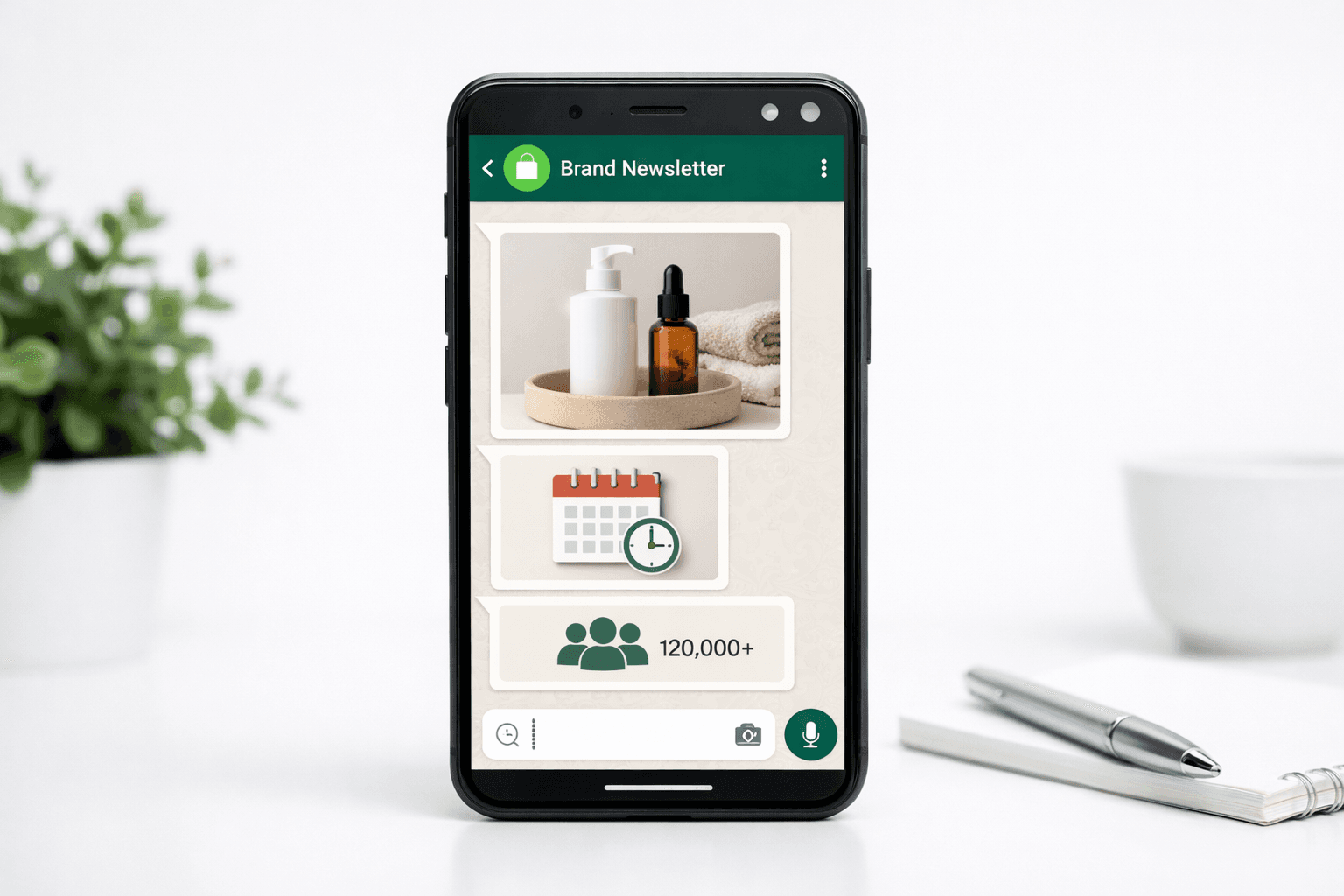
They're similar concepts. A "broadcast" is the technical feature. A "newsletter" is a regular broadcast series sent on a schedule. With the WhatsApp Business API, you can schedule automated newsletter-style broadcasts.
Can I send broadcasts to international numbers?
Yes. WhatsApp works globally. With the API, you can target customers in any country. Keep in mind that Meta charges different per-conversation rates by country.
Conclusion
WhatsApp broadcast is the most effective channel for reaching your e-commerce customers with personalized, rich media messages. While the free app works for small businesses, the WhatsApp Business API through Kanal unlocks unlimited scale, automation, and detailed analytics.
Start broadcasting to your customers today. Install Kanal on Shopify to send your first campaign in minutes, or book a demo to see how leading brands achieve 12x ROAS with WhatsApp.
Create your click-to-chat link with our WhatsApp Link Generator to start growing your subscriber list.
Prêt à booster vos ventes WhatsApp ?
 Installer avec Shopify